
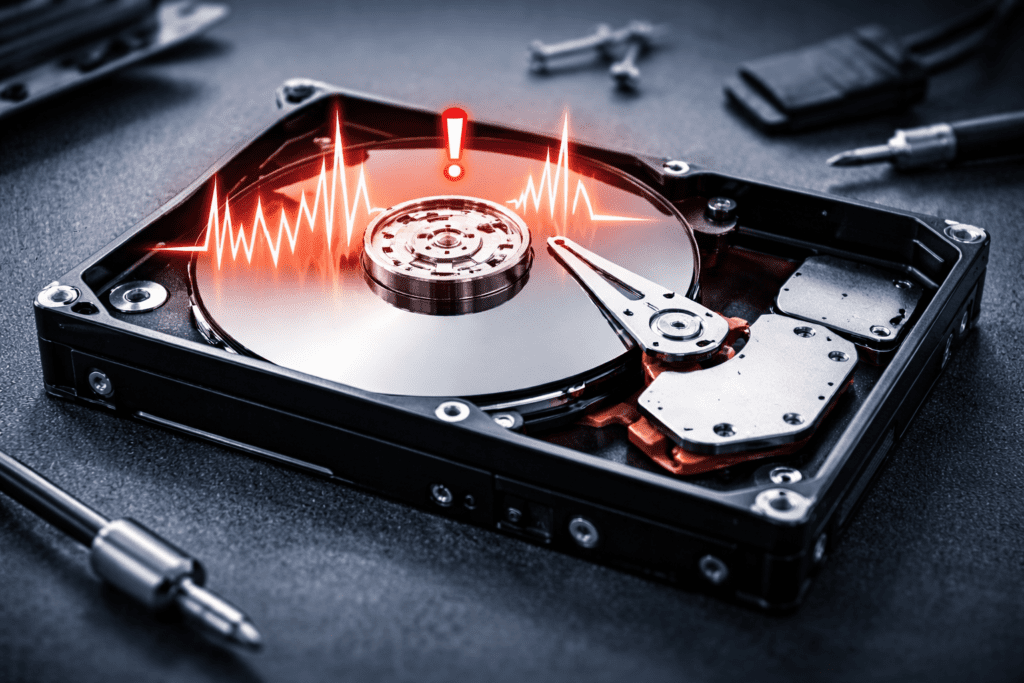
In most cases, unusual sounds coming from a hard drive (HDD) are a warning sign of a potential hardware failure. The key question is which component is failing — and how serious the situation is.
⚠️ Important:
As soon as you notice strange noises, your first priority should be backing up important data — to the cloud, an external drive, or any other storage option.
Once a hard drive starts making abnormal sounds, the risk of data becoming inaccessible is very real.
Not Every Noise Means a Dead Drive — But Be Careful
While most unusual sounds indicate internal HDD issues, this isn’t always the case.
For example, a drive may:
- click repeatedly,
- spin down,
- disappear from BIOS,
- then spin up again with a clicking sound.
At first glance, this behavior often points to:
- failing read/write heads,
- spindle motor issues,
- firmware or controller board problems.
However, in some real-world cases, the root cause turns out to be something external — such as a failing power supply— while the hard drive itself is still healthy.
👉 One critical rule:
If data becomes inaccessible after clicking, scraping, or grinding noises, do not attempt DIY recovery. Most consumer data recovery tools are not designed for mechanical failures and may cause further damage.
Common HDD Failure Sounds by Brand
Below are typical hard drive sounds and what they usually mean, based on manufacturer patterns.
Western Digital (WD) HDD Sounds
- Several clicks followed by the drive slowing down
→ Possible read/write head failure - Drive spins up, stops, then tries again
→ Likely spindle motor issue - Clicking or tapping sounds in laptops (sometimes described as “bongo drum” noises)
→ Head-related problems - Laptop drives with a seized spindle repeatedly try to spin up and emit warning sounds
→ Mechanical spindle failure
Samsung HDD Sounds
- Multiple clicks or a single click followed by slowdown
→ Faulty read/write heads - Scratching sounds when accessing certain areas
→ Bad sectors on magnetic platters
Toshiba HDD Sounds
- Repeated attempts to spin up, but acceleration stops
→ Stuck spindle - Scraping or grinding noises, sometimes high-pitched
→ Bearing failure - Clicking during startup
→ Possible magnetic head issues
Seagate HDD Sounds
- Laptop drives with damaged heads (often after drops)
→ Clicking, knocking, or “drilling” sounds - Desktop drives with failed heads
→ Clicking with short beeps during startup - Repeated spin-up attempts
→ Spindle motor problems
What to Do If Your HDD Makes These Sounds
If your hard drive produces any of the sounds listed above:
- Back up your data immediately, if possible
- If data is already inaccessible:
- Power off the computer
- Disconnect the hard drive completely to prevent further damage
- Contact professional data recovery specialists if the data is valuable
💡 Keep in mind: professional data recovery can be expensive — but in mechanical failure cases, it’s often the only safe option.
Xelow.tech Expert Tip
If a hard drive sounds “wrong,” it usually is. Acting quickly can make the difference between a simple backup and permanent data loss.