Windows Guides

Step-by-step troubleshooting guides and repair tips for Windows computers. Learn how to fix system errors, startup problems, driver issues, and performance problems in Windows 10 and Windows 11.

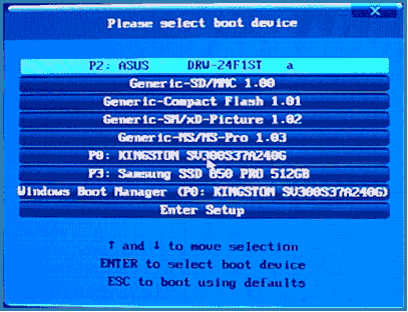
How to Launch Windows 10 Recovery Environment

The Windows 10 Recovery Environment (WinRE) allows you to perform various system repair and troubleshooting operations. It can be used to access advanced startup options such as Safe Mode, disabling driver signature enforcement, performing a system reset, repairing the Windows bootloader, and many other recovery tools. In this guide, we’ll look at several simple ways to access the Windows 10 Recovery Environment in …

How to Launch Windows 10 Recovery Environment Read More »

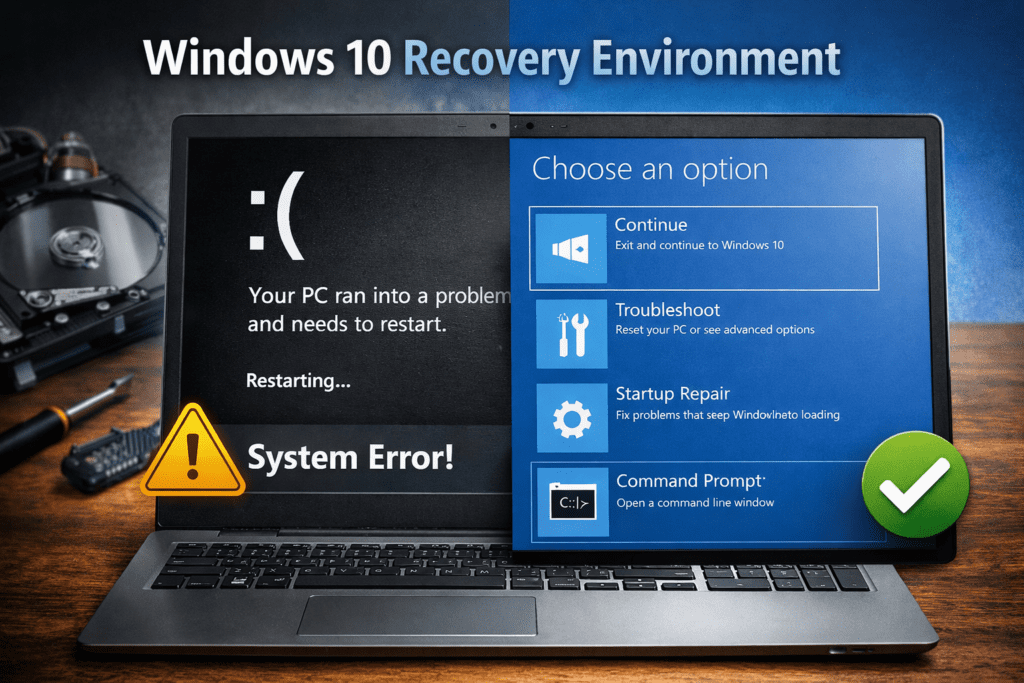
How to Fix STOP 0x00000050 (PAGE_FAULT_IN_NONPAGED_AREA) in Windows

One of the common Blue Screen of Death (BSOD) errors in Windows is STOP 0x00000050, accompanied by the message PAGE_FAULT_IN_NONPAGED_AREA. This error can appear in all modern versions of Windows, including: Sometimes the error message also includes the name of a system file or driver responsible for the crash. If it does not appear directly on the screen, you can identify …

How to Fix STOP 0x00000050 (PAGE_FAULT_IN_NONPAGED_AREA) in Windows Read More »

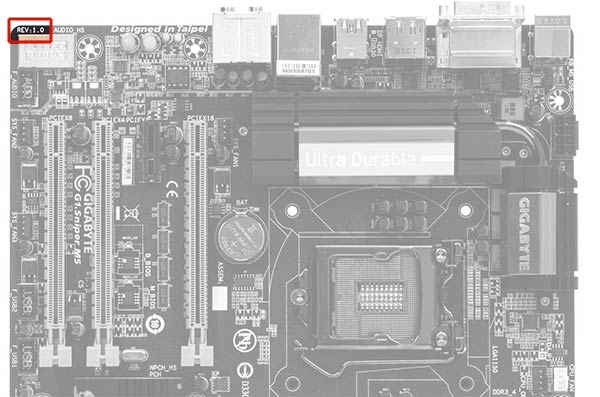
How to Update Your Motherboard BIOS

In this guide, we’ll assume that you already understand why you want to update the BIOS. Below are the general steps for updating a motherboard BIOS that apply regardless of the specific motherboard model installed in your computer. If you don’t have a specific reason to update the BIOS and your system is working normally, it’s …

How to Update Your Motherboard BIOS Read More »

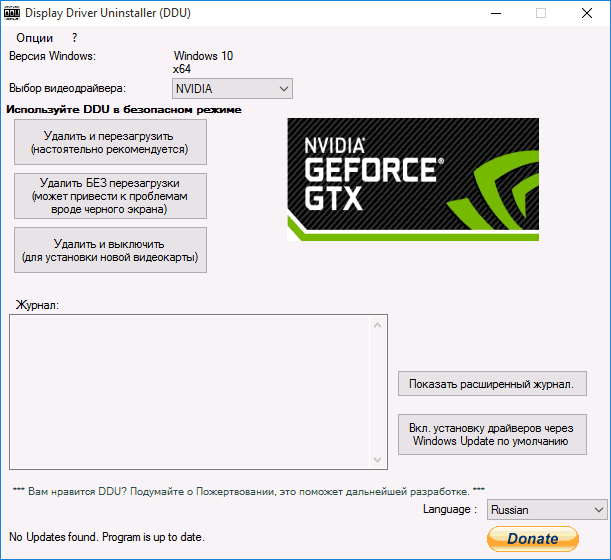
Blue Screen BSOD Error: nvlddmkm.sys, dxgkrnl.sys, dxgmms1.sys — How to Fix It

A blue screen error related to nvlddmkm.sys, dxgkrnl.sys, or dxgmms1.sys is a common Windows problem usually caused by NVIDIA graphics drivers. In most cases, the issue appears as a BSOD (Blue Screen of Death) with error code 0x00000116 (VIDEO_TDR_ERROR). This guide explains why the error happens and how to fix it safely. What Does the nvlddmkm.sys BSOD Mean? The typical error scenario …

Blue Screen BSOD Error: nvlddmkm.sys, dxgkrnl.sys, dxgmms1.sys — How to Fix It Read More »

Online help
{{ welcomeText }}